๐ŸŽ Obsidian plugin + AI companion kit ยท free & open source

Eve's Apple Tree

think how to think

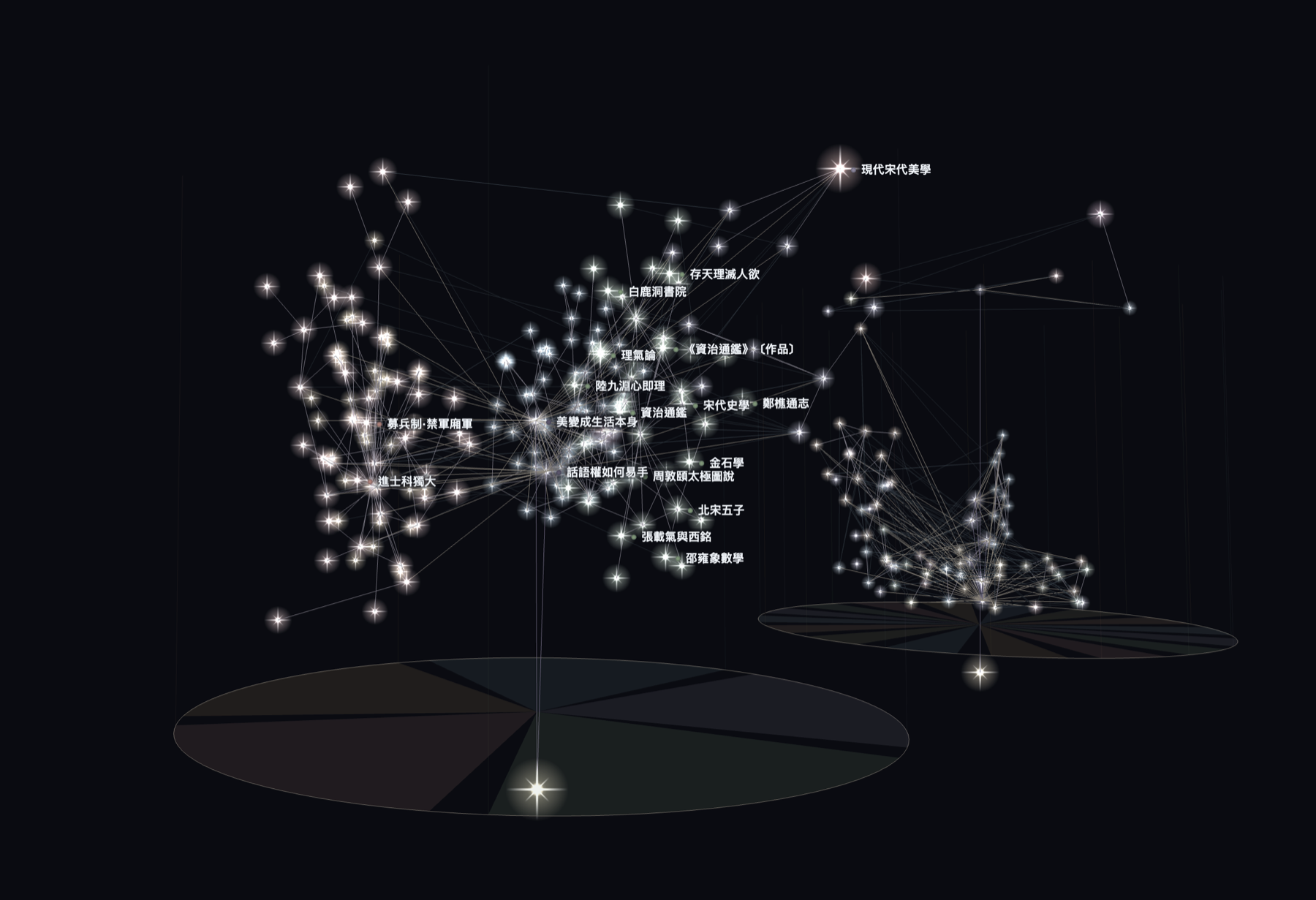
A thinking system with AI: the plugin turns your notes into a living 3D tree of light, so you can see the shape of your own thinking.

The plugin's forest view: dozens of trees made of glowing dots on a dark plain, with the control panel open

A thinking forest. Every tree is one topic; every light is one idea.

the ai half

Meet Eve's tree team

The plugin shows you your thinking. Eve's tree team (AI companion kit) helps you grow it: three roles you run in Claude Code, downloaded with the plugin from the same GitHub repo.

๐ŸŒฑ
Gardener
The voice you think out loud with. It turns what you say into leaves and proposes connections.
๐Ÿ”ฅ
Challenger
A second mind kept outside your frame, so it pushes back from angles you would not reach alone.
๐Ÿ‘
Observer
Reads a finished session, learns how you think, and suggests updates for you to approve.

The team tends the tree with you: it proposes, you decide. It suggests leaves and trunk connections. It never creates your ah-ha moments or your outputs, and it writes nothing to your vault without your approval.

The plugin makes zero network calls. The team runs in the AI you choose, so it only ever sends what you actively share with it. Plugin and team download together and run as one package.

one continuous zoom out

Four altitudes of one thought

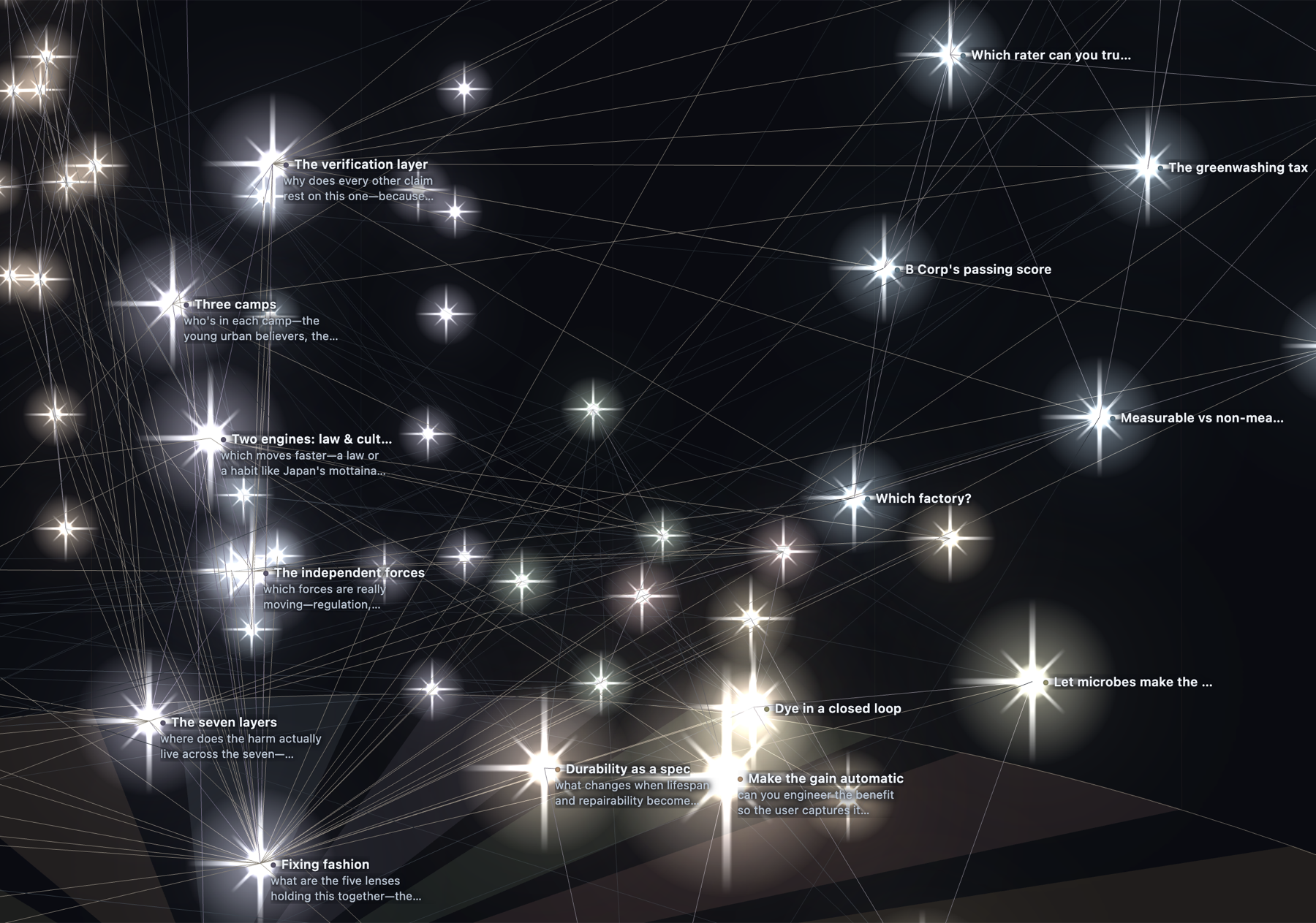
Start on a single idea and pull back. Distance is the control: fly in for the words, out for the shape.

Extreme close-up of the tree of light: bright diamond-like dots on black, each labelled with a short idea title and a one-line description, linked by faint threads
1
One idea
Each dot is one idea: a thought, a piece of knowledge, an opinion.
Zoomed out to two full trees: hundreds of glowing dots rising in a canopy from a circular field-disk at the root, with a few titles still visible
2
One tree
Together, those dots grow into a tree.
Zoomed out further: the same trees with their field sectors fanning out from the root, each sector labelled with the name of a thinking lens
3
The fields
Fields fan out from the root: one sector for each lens you think through.
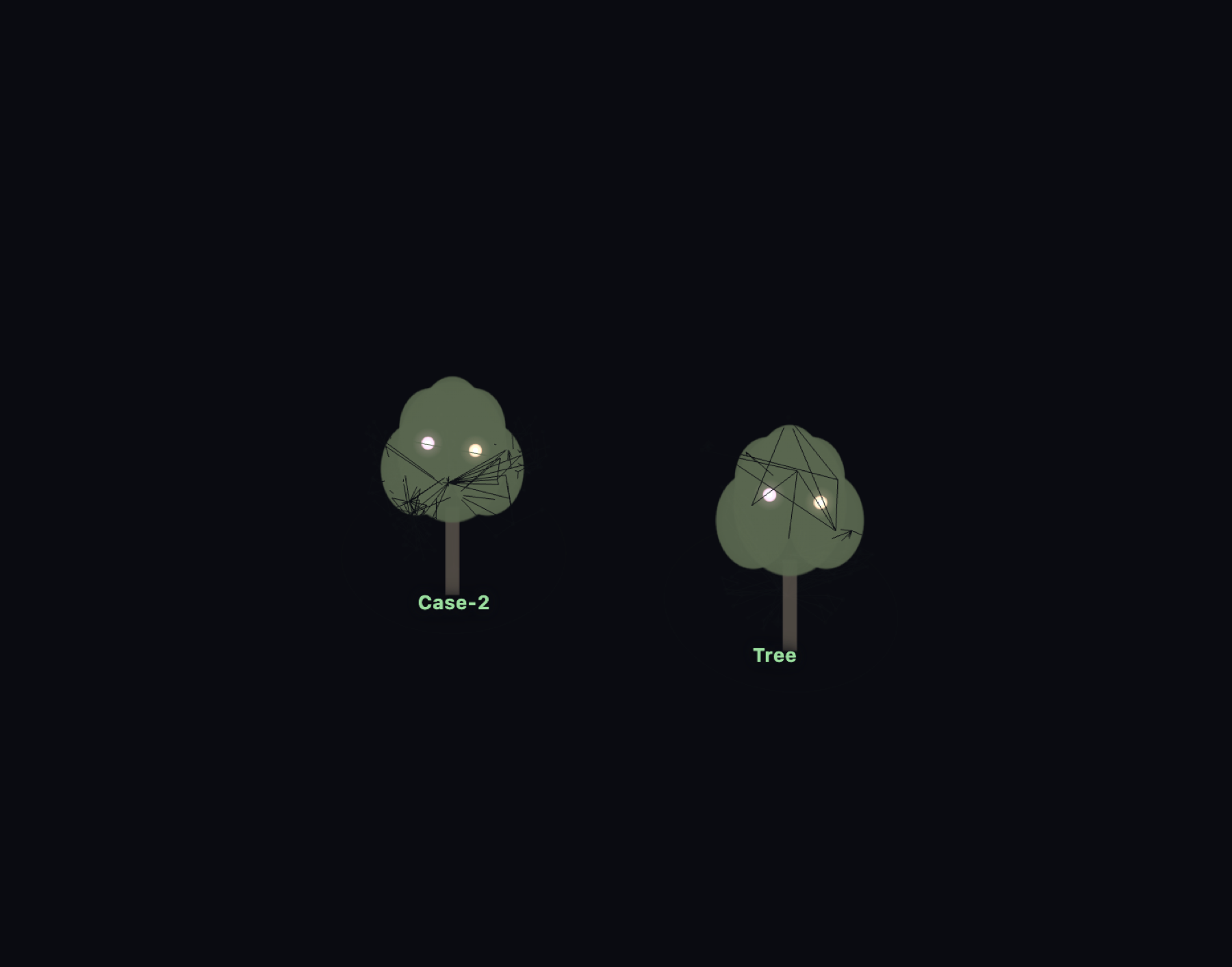
Zoomed all the way out: each topic collapses into a small green tree silhouette with its name beneath, standing together as a forest
4
The forest
Every topic is its own tree. All of them together are your forest.

get started

From zero to an AI-tended tree

One download has the plugin and the team wired together already. Six steps. The one key to know before anything: a note joins the tree only when it carries tree frontmatter, three small lines at the top of the note. The user manual walks every path step by step.

  1. 1Get the repo. On GitHub, use the green Code button, choose Download ZIP, and unzip it.
  2. 2Open the starter vault. In Obsidian, choose Open folder as vault and pick eve-thinking-system/starter-vault/. The plugin is preinstalled, the team is wired in, and a small example tree is already inside, so you never face an empty screen.
  3. 3Enable the plugin, open the tree. Settings โ†’ Community plugins, confirm Eve Apple Tree Thinking System is on. Open the command palette (Cmd/Ctrl + P), type tree, and run the open-tree command. The example tree stands up in 3D.
  4. 4Wake the team. Open the same folder in Claude Code and say "gardener, let's think." No Claude Code? Paste the vault's CLAUDE.md into any capable AI as its system prompt.
  5. 5Plant a thought, decide what sticks. Say what you are chewing on. The gardener turns it into a clean leaf and proposes a link. You choose what to keep. When you say "oh," it offers to save a flower; you bloom it.
  6. 6Rebuild and watch it grow. Rebuild the tree from the panel and your dot is there. Come back tomorrow with another, and the tree grows taller and wider.

While the Obsidian community listing is in review, install by hand instead: download main.js, manifest.json, and styles.css from the latest release and drop them into <your vault>/.obsidian/plugins/eve-apple-tree/.

Already have a vault? Keep it. Install the plugin (Community Plugins once listed, or by hand as above), then add the team on its own: the eve-tree-team zip from the same release unzips straight into your vault root, hand-build templates/ included.

Prefer to work without AI? The tree renders straight from plain YAML frontmatter, so you can write every dot by hand and never involve an AI:

---
tree_type: leaf        # root | trunk | leaf | flower | apple
field: Researcher      # the lens you're thinking through
time: 2026-07-05       # a date or a plain number: height on the tree
---
Ideas link with normal [[wikilinks]]; links become the rhizome.

what it is

A thinking tool, not a filing cabinet

Notes apps are where ideas go to be stored. This is where they go to grow. Every note becomes a glowing dot, placed by two honest coordinates: the lens you were thinking through (its sector on the ground) and when it grew (its height, old roots low, new thinking high). Links between notes become the rhizome: the lateral connections across lenses that folders could never show you.

๐ŸŒฑ
Root
The seed question the whole tree grows from.
๐Ÿชต
Trunk
The pivotal idea a topic turns on.
๐Ÿƒ
Leaf
One idea, placed by lens and time. Most of your tree.
๐ŸŒธ
Flower
A breakthrough. Your ah-ha moments, marked and glowing.
๐ŸŽ
Apple
An output. The things your thinking produced.

Two more things the tree keeps honest: any dot can carry stakeholder views, so you can sit in one chair and sweep your whole tree through that perspective; and two topics connect only through a bridge note you write, never an automatic line.

see it move

Fly through a tree before you build one

The live demo is a finished tree of light, running in your browser. Drag to orbit, scroll to zoom in for the titles, pull back for the forest.