get started
From zero to an AI-tended tree
One download has the plugin and the team wired together already. Six steps. The one key to know before anything: a note joins the tree only when it carries tree frontmatter, three small lines at the top of the note. The user manual walks every path step by step.
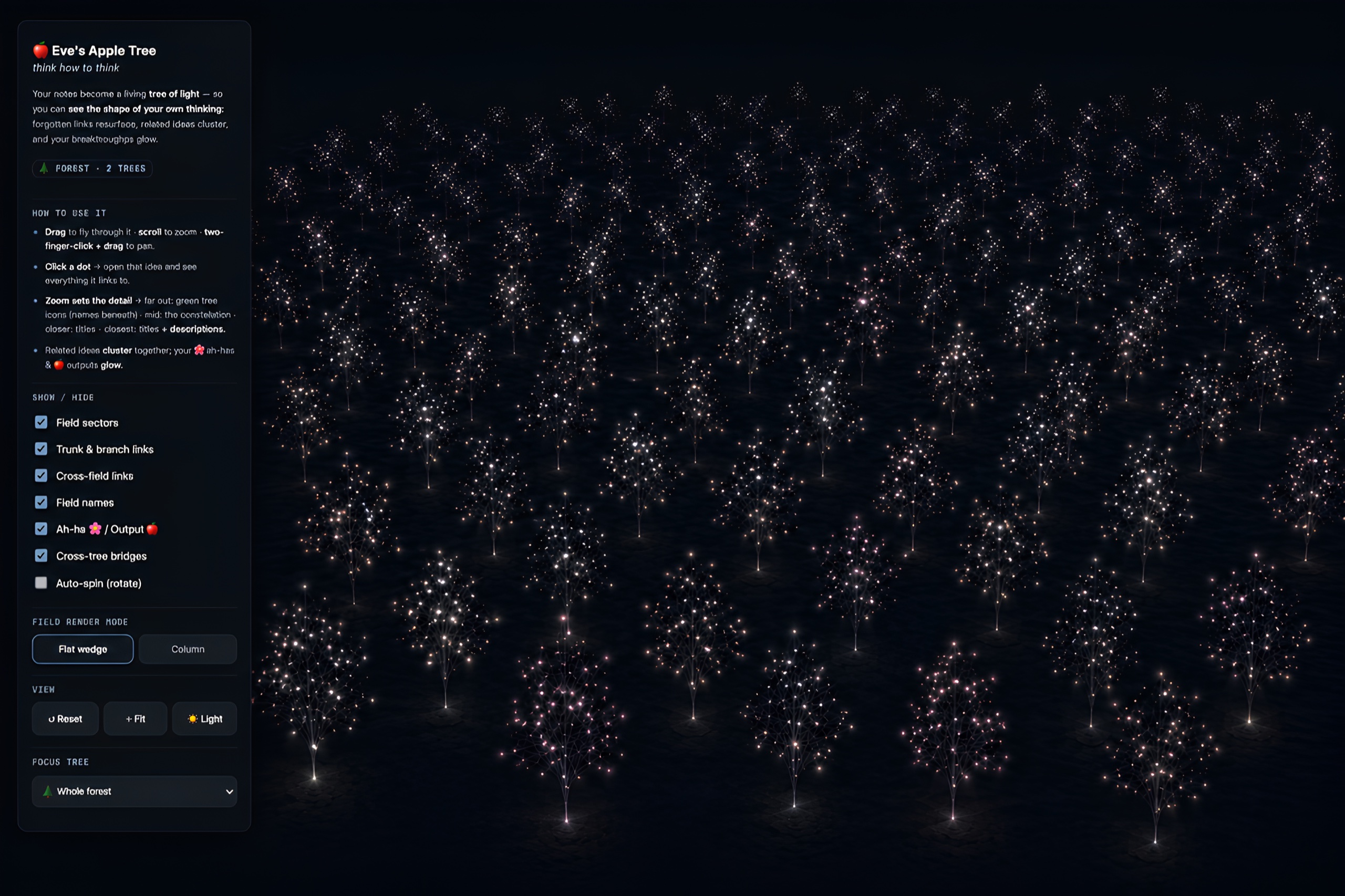
- 1Get the repo. On GitHub, use the green Code button, choose Download ZIP, and unzip it.
- 2Open the starter vault. In Obsidian, choose Open folder as vault and pick
eve-thinking-system/starter-vault/. The plugin is preinstalled, the team is wired in, and a small example tree is already inside, so you never face an empty screen.
- 3Enable the plugin, open the tree. Settings → Community plugins, confirm Eve Apple Tree Thinking System is on. Open the command palette (
Cmd/Ctrl + P), type tree, and run the open-tree command. The example tree stands up in 3D.
- 4Wake the team. Open the same folder in Claude Code and say "gardener, let's think." No Claude Code? Paste the vault's
CLAUDE.md into any capable AI as its system prompt.
- 5Plant a thought, decide what sticks. Say what you are chewing on. The gardener turns it into a clean leaf and proposes a link. You choose what to keep. When you say "oh," it offers to save a flower; you bloom it.
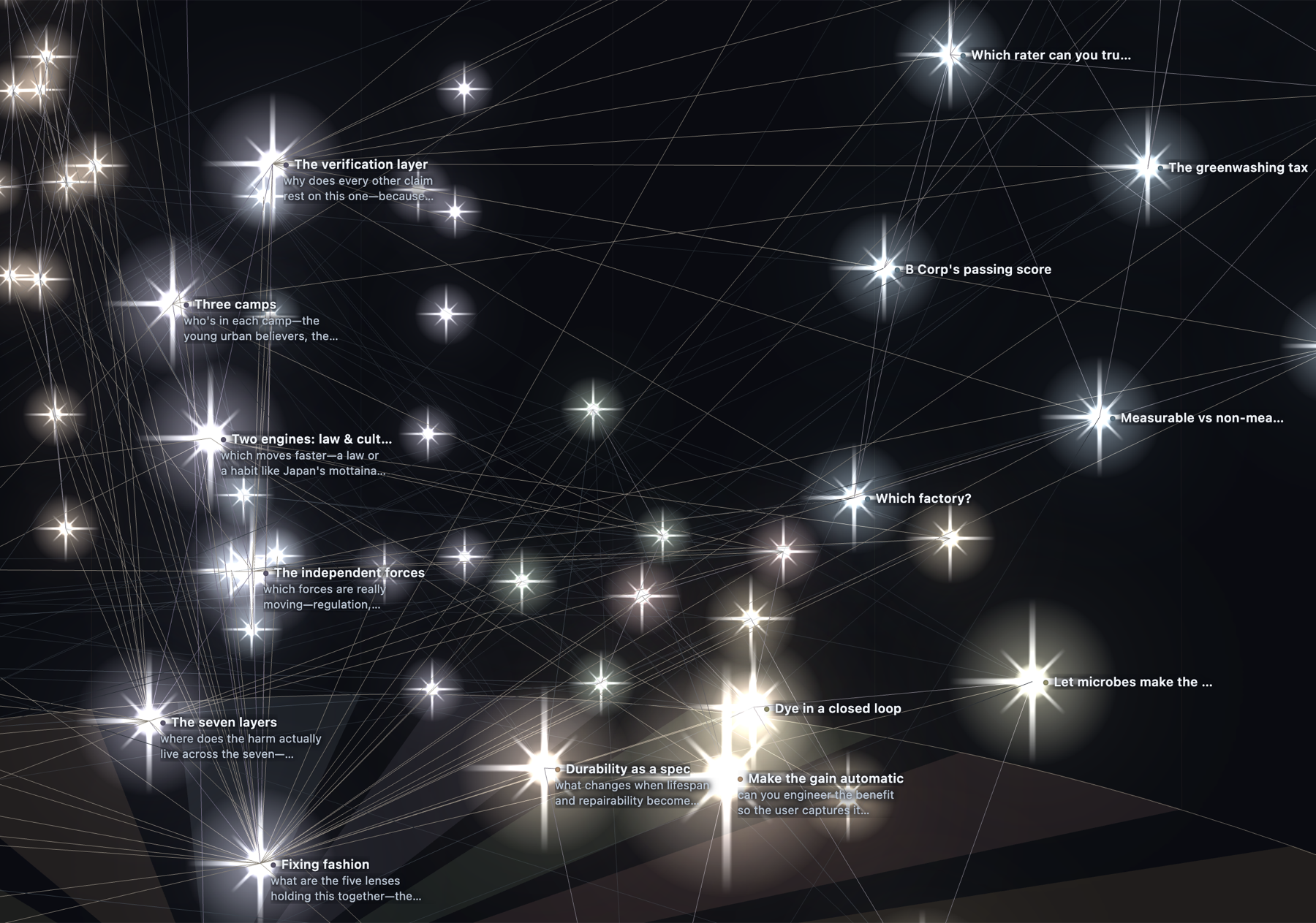
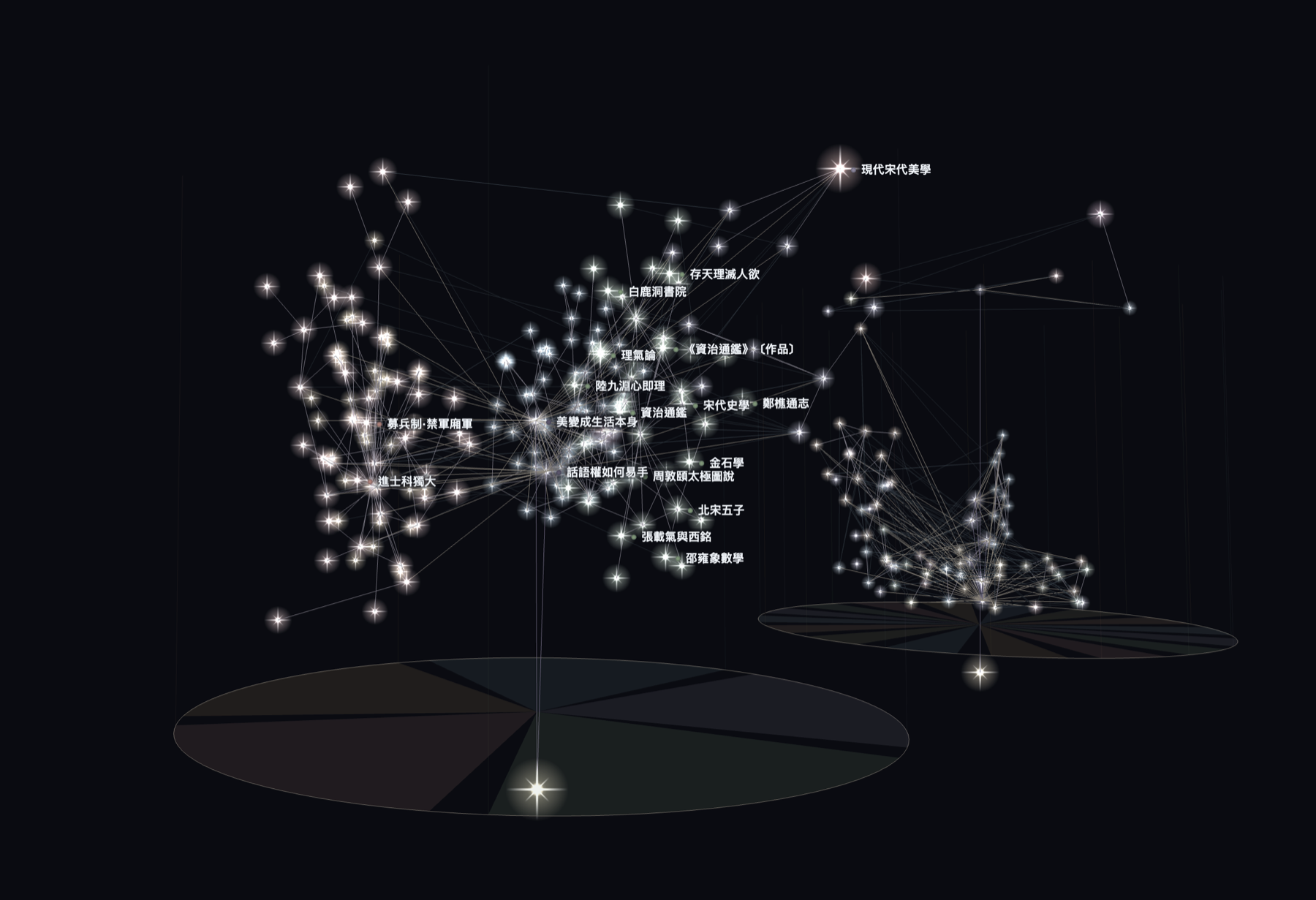
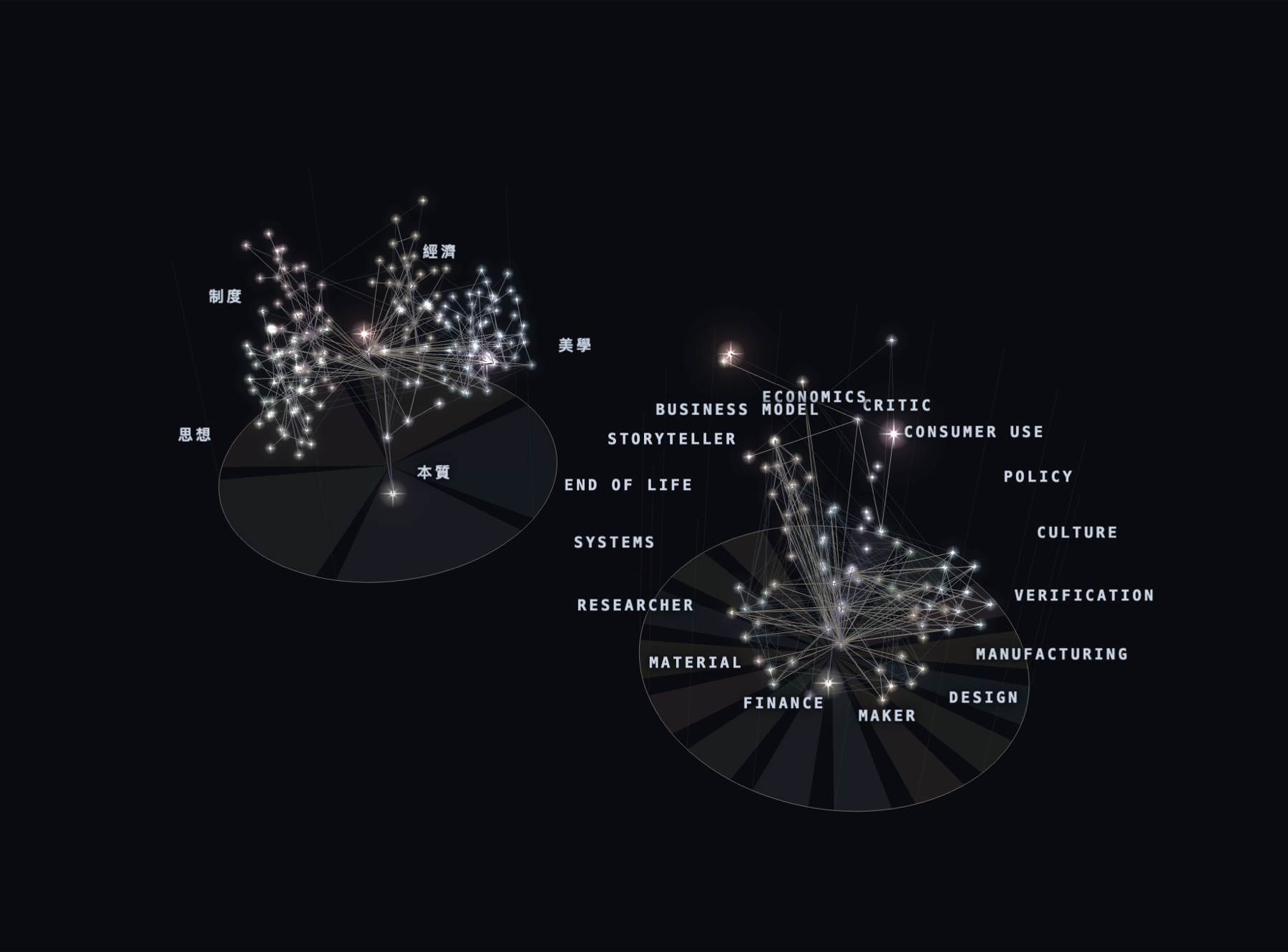
- 6Rebuild and watch it grow. Rebuild the tree from the panel and your dot is there. Come back tomorrow with another, and the tree grows taller and wider.
While the Obsidian community listing is in review, install by hand instead: download main.js, manifest.json, and styles.css from the latest release and drop them into <your vault>/.obsidian/plugins/eve-apple-tree/.
Already have a vault? Keep it. Install the plugin (Community Plugins once listed, or by hand as above), then add the team on its own: the eve-tree-team zip from the same release unzips straight into your vault root, hand-build templates/ included.
Prefer to work without AI? The tree renders straight from plain YAML frontmatter, so you can write every dot by hand and never involve an AI:
---
tree_type: leaf        # root | trunk | leaf | flower | apple
field: Researcher      # the lens you're thinking through
time: 2026-07-05       # a date or a plain number: height on the tree
---
Ideas link with normal [[wikilinks]]; links become the rhizome.